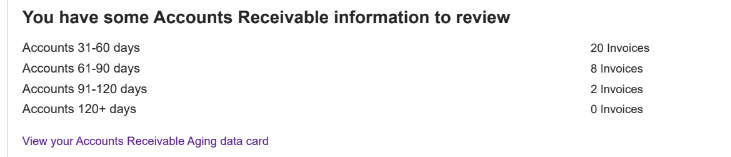
Our Matrix Espresso Shot is a daily email, providing you with targeted information from Matrix, that will help you start your morning off right!
To turn on the Espresso Shot email by:
To turn on the Espresso Shot email by:
- Log in to Matrix.
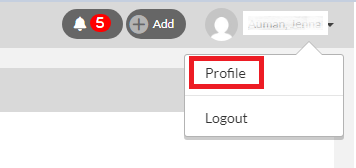
- Click on your name on the top right of the page and select Profile.
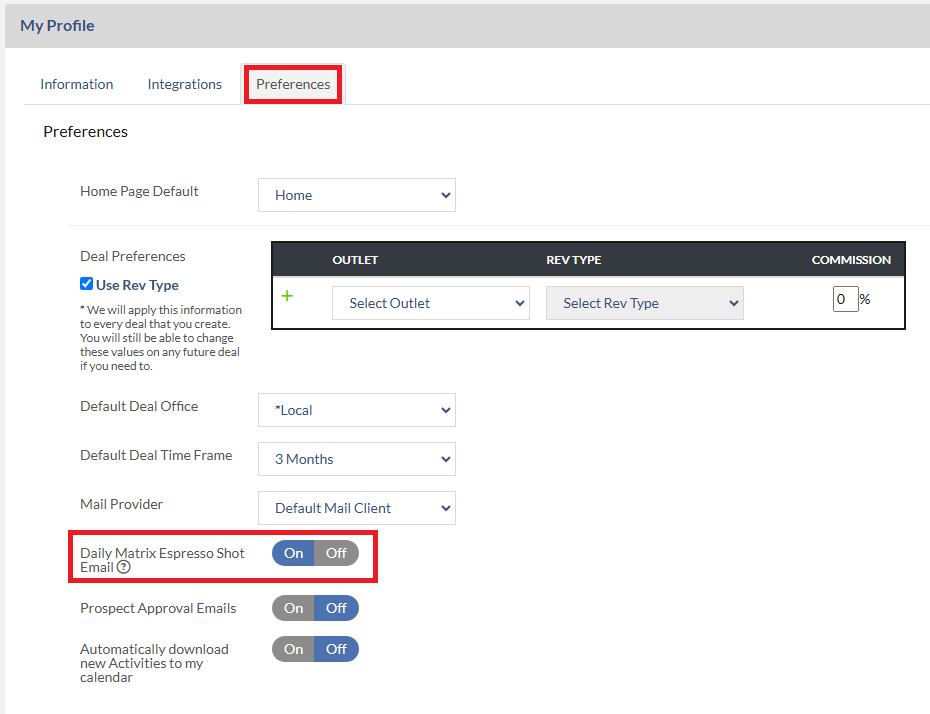
- Then click Preferences tab and set the Daily Matrix Espresso Shot Email option to O.
Below is an example of Espresso shot email that you will receive in your mail box.

Note: if you have Accounts Receivable integration enabled, the Account Receivable information will be presented on your Espresso shot as well. This information is visible to AEs only.